academics
Computing for Kids: What the Cambridge Computing Curriculum Teaches from Year 1 to Year 9
Good school IT is not typing lessons. Here are the five strands of the Cambridge computing curriculum, how children move from Scratch Jr to Python, where AI fits, the difference between computing and digital literacy, and what to look for in a school.
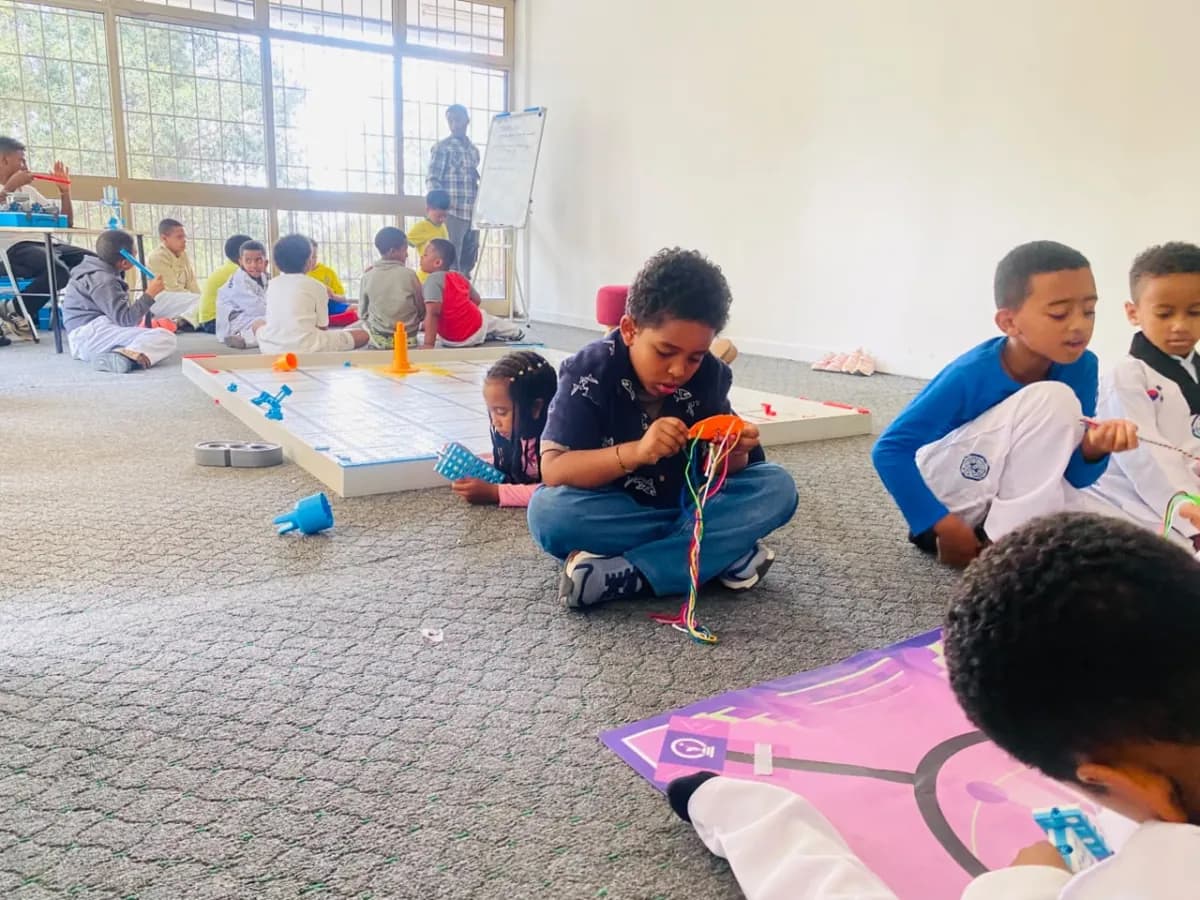
Many parents in Addis Ababa remember school IT as a room of old computers and a lesson on typing or Microsoft Word. Modern computing is a different subject. It teaches children how computers think, how to give them precise instructions, and how to solve problems by breaking them into steps.
The Cambridge computing curriculum is a good map of what a strong school IT programme should cover from Year 1 to Year 9. Here is what it contains, how it progresses, and how to judge any school’s offer against it.
Computing is not the same as digital literacy
Cambridge splits technology into two separate subjects, and the distinction is useful for any school. Computing is how computers work and how to program them. Digital Literacy is how to use computers well and stay safe online (Cambridge Primary Computing).
Both matter. But a school that only teaches digital literacy is teaching children to use technology other people made. Computing teaches them to make it.
The five strands of Cambridge computing
Cambridge added Computing to Primary and Lower Secondary for first teaching from September 2022 (Cambridge blog). Both stages share five strands:
- Computational thinking: breaking problems into parts, spotting patterns, ignoring unimportant detail and designing step-by-step solutions.
- Programming: writing, testing and debugging instructions for a computer.
- Managing data: collecting, organising and making sense of information.
- Networks and digital communication: how devices connect and how the internet moves information.
- Computer systems: what is inside a computer and how hardware and software work together.
Computational thinking is the one parents underestimate. It is a way of approaching any problem, from a maths word problem to planning a science investigation, and it is useful whether or not a child ever becomes a programmer.
From Scratch Jr to Python: how it progresses
Years 1 and 2: sequences and unplugged coding
Young children start with floor robots, coding cards and Scratch Jr, a picture-based tool Cambridge suggests for Stages 1 and 2. They learn that a computer follows instructions exactly, in order, and that a wrong step produces a wrong result. Finding and fixing those mistakes, called debugging, builds persistence early.
Years 3 to 6: Scratch, loops and decisions
Children move to Scratch, the free block-based language from the MIT Media Lab, designed mainly for ages 8 to 16 and used in more than 150 countries. They build games and animations with loops, variables and, from Stage 5, selection: IF this, THEN that, ELSE something else. Many schools add physical computing with devices like the BBC micro:bit, which around 73.5 million children worldwide have learned with.
Years 7 to 9: text-based programming
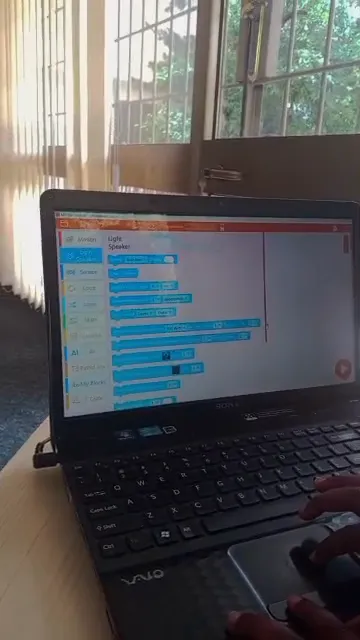
In Lower Secondary, Cambridge moves students to text-based languages such as Python (Cambridge Lower Secondary Computing). Students write real code, work with data, and learn the logic, decomposition and abstraction that carry straight into IGCSE Computer Science.
How good teachers teach programming
Children do not learn to code by copying code. The Raspberry Pi Foundation’s research-based approach, called PRIMM, sets out a better sequence: Predict what a program will do, Run it, Investigate how it works, Modify it, then Make your own. A study with 500 learners aged 11 to 14 found improved outcomes using it (Raspberry Pi Foundation).
The idea is simple: read before you write. Ask a school how students learn to code. If the answer is "they follow tutorials", ask what happens after the tutorial.
Where AI fits
Children already use AI, in search, video recommendations and chat tools. In 2024 UNESCO published an AI competency framework for students with four dimensions: a human-centred mindset, the ethics of AI, AI techniques and applications, and AI system design. It moves through three levels: understand, apply and create.
For primary children, good AI education is mostly about understanding: what AI is, that it learns from data, that it can be wrong and that people are responsible for how it is used. Building with AI comes later. Ethiopia’s own investment, including the Ethiopian Artificial Intelligence Institute and a National AI Policy finalised in 2024 (GSMA), makes this a practical skill rather than a futuristic one.
What to look for in a school’s computing programme
- Programming from Year 1, starting unplugged and moving to blocks, then text.
- All five strands, not just programming or just office software.
- A teacher who can code, rather than one who supervises tutorials.
- Projects students design themselves, not only exercises.
- Teaching on AI that covers how it works and its limits, not just using it.
- Online safety taught alongside, as digital literacy.
When you visit, ask a Year 5 or Year 8 student to show you something they programmed and explain how it works. Their answer is the programme.
Questions parents ask about computing for kids
What is taught in the Cambridge computing curriculum? Cambridge Primary and Lower Secondary Computing share five strands: computational thinking, programming, managing data, networks and digital communication, and computer systems. Primary learners program in visual languages such as Scratch, and Lower Secondary learners move to text-based languages such as Python.
What age should children start coding? Children can start at five or six with unplugged activities, floor robots and picture-based tools such as Scratch Jr, which Cambridge suggests for Stages 1 and 2. Block-based Scratch suits ages eight and up, and text-based Python usually starts around 11.
What is the difference between computing and digital literacy? Computing teaches how computers work and how to program them. Digital literacy teaches how to use technology effectively and stay safe online. Cambridge teaches them as two separate subjects, and a strong school covers both.
Should primary children learn about AI? Yes, at the right level. UNESCO’s 2024 AI competency framework for students starts with understanding: what AI is, how it learns from data, where it can go wrong and how to use it responsibly. Building AI systems comes later.
Is Scratch real programming? Yes. Scratch, from the MIT Media Lab, uses blocks instead of typed text, but it teaches the same concepts as any language: sequences, loops, variables, conditions and events. Children who learn Scratch well usually move to Python quickly.
Where this happens at Nucleus
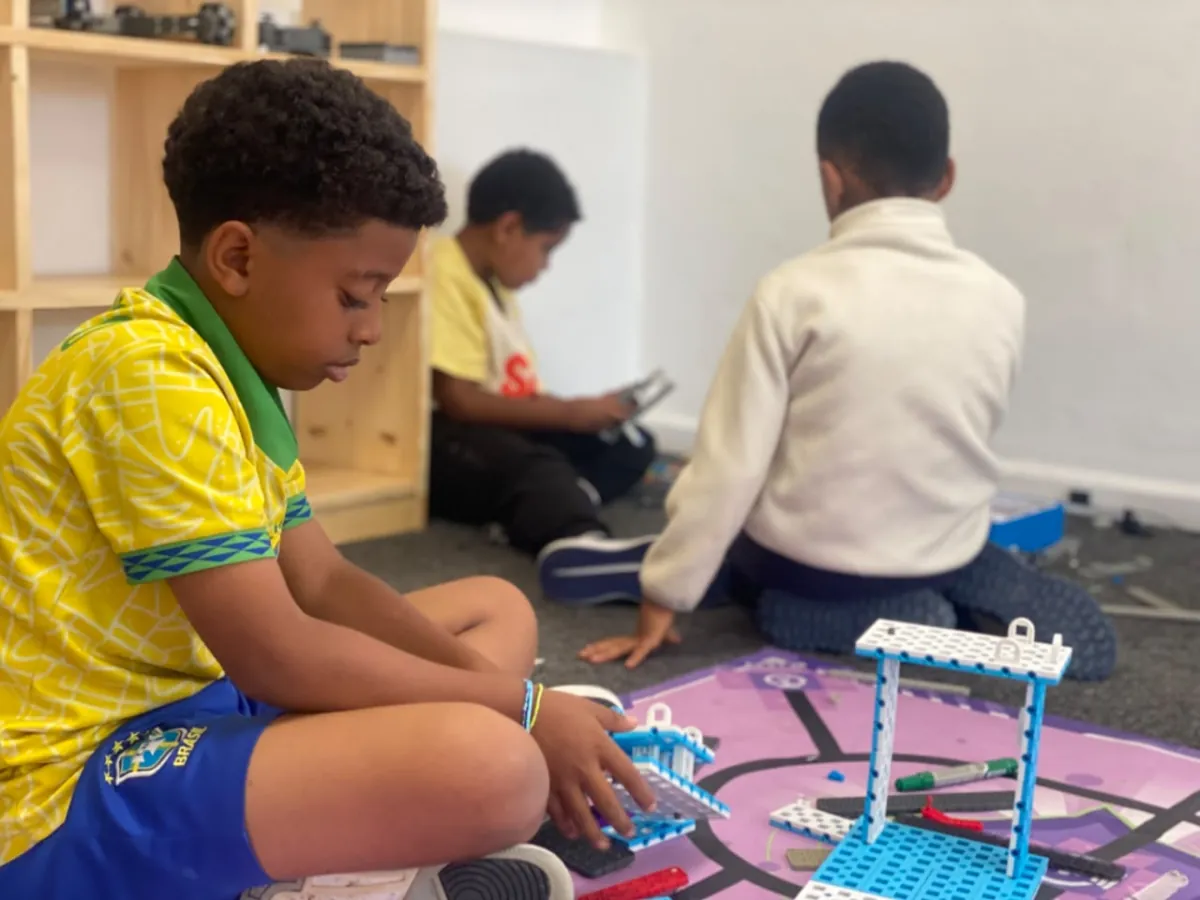
Nucleus students learn technology by building it. Our STEM labs teach coding and robotics through practical projects, and our Artificial Intelligence Lab introduces students to AI concepts and tools in an age-appropriate, hands-on way. Read more on our Robotics and STEM page and in what robotics and coding look like in Addis Ababa.
Come and ask our students to show you what they built. Call +2519 81 99 99 22, or register your child.